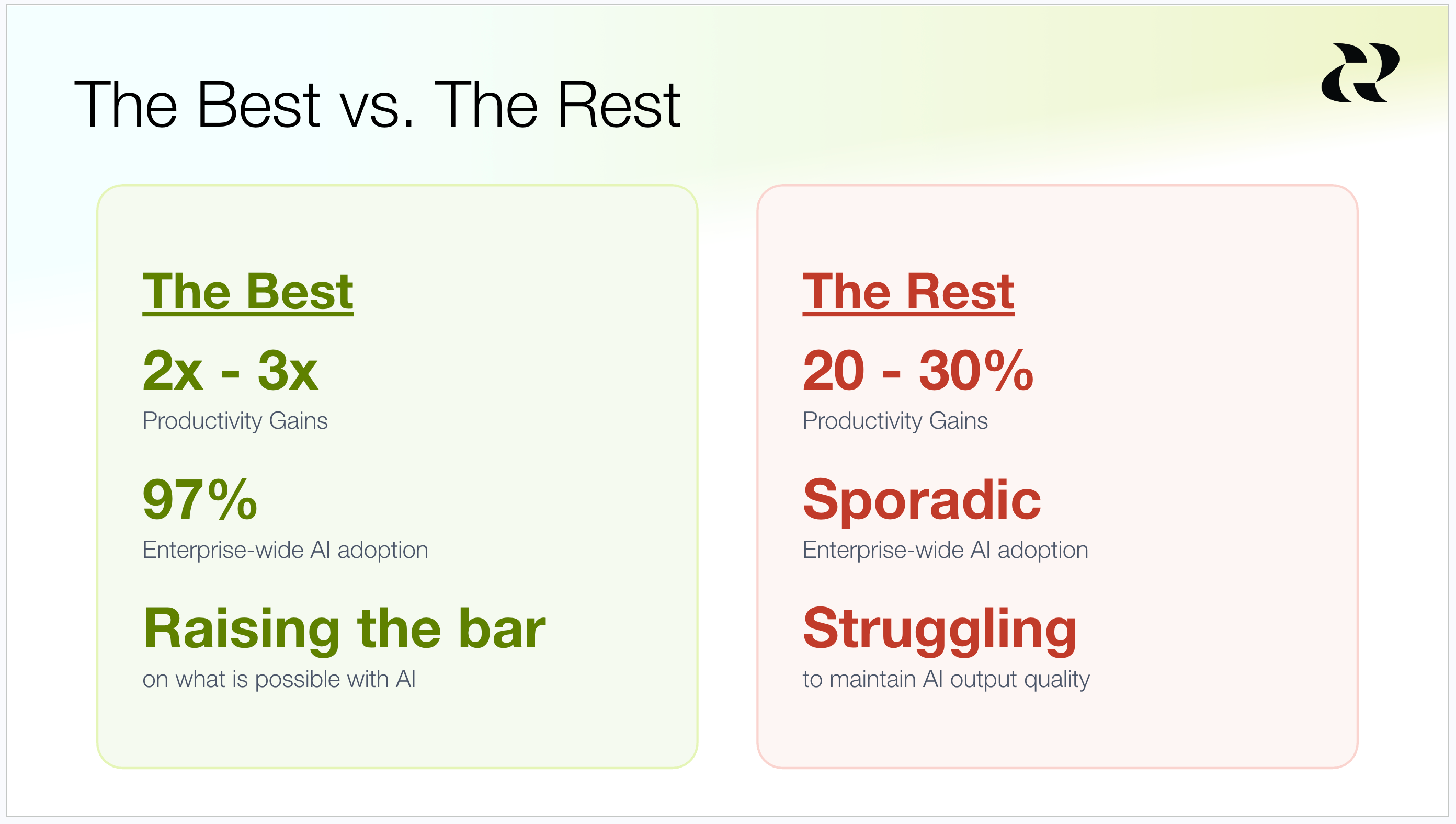
The most fascinating thing happening in product right now is that the gap between the best teams and the average teams on AI proficiency is widening, not closing. The elite teams are seeing 2x - 3x productivity gains as measured by merged PRs, while the average team is only seeing 20% - 30% lifts. The elite teams have broad and deep adoption across the org, while the average team sees sporadic usage. And the elite teams are raising their quality bar with AI, while the average team is drowning in AI slop.
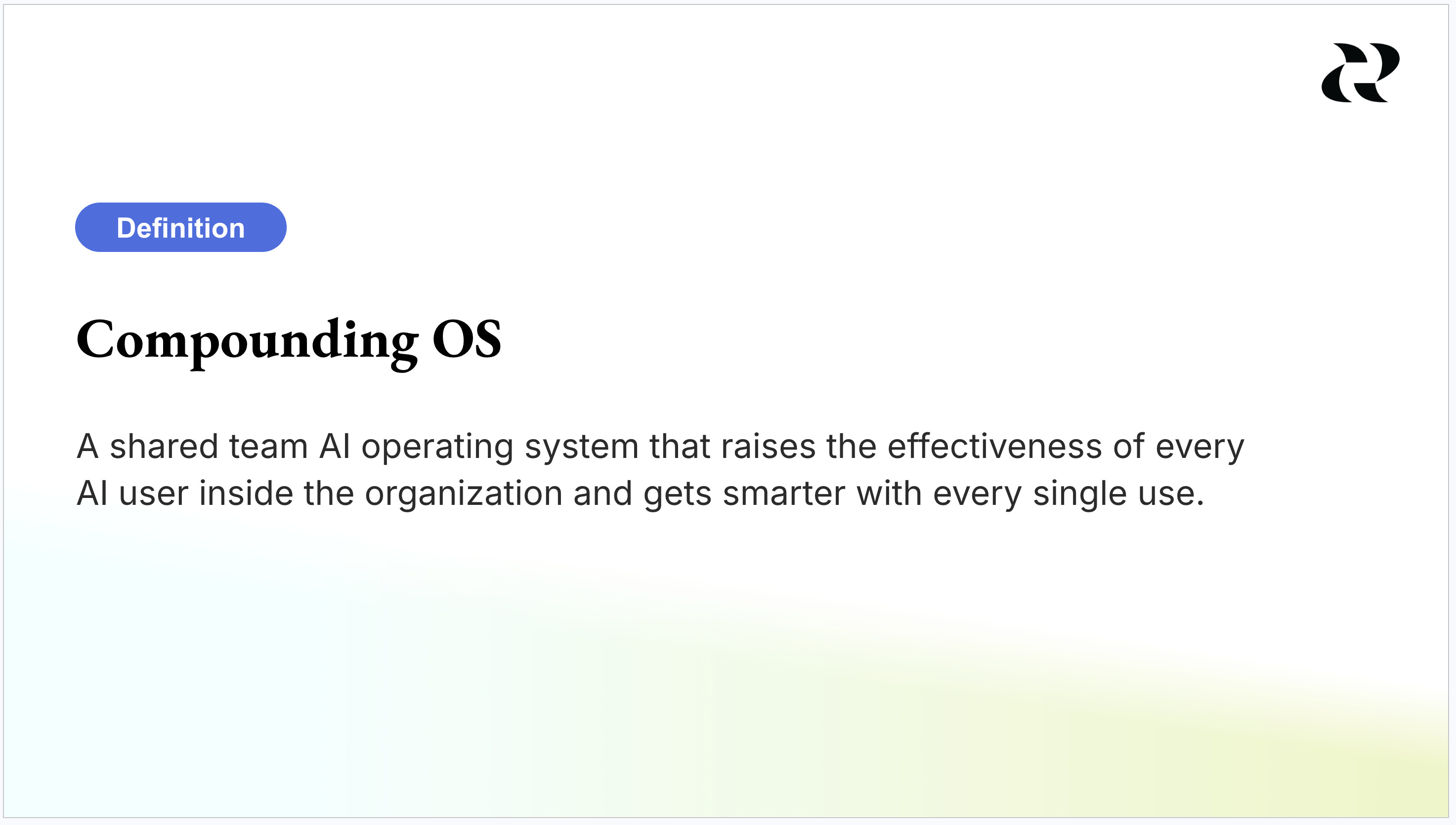
What separates them isn’t better models or bigger budgets. It’s that the best teams have stopped treating AI as a collection of individual productivity hacks and started building shared infrastructure. I call that infrastructure a compounding OS: a shared team AI operating system that raises the effectiveness of every AI user inside your organization and gets smarter with every single use. Others call it a company OS or a company brain. Whatever you call it, building one is the single highest leverage investment a product team can make right now.
Individual Productivity Versus Compounded Productivity
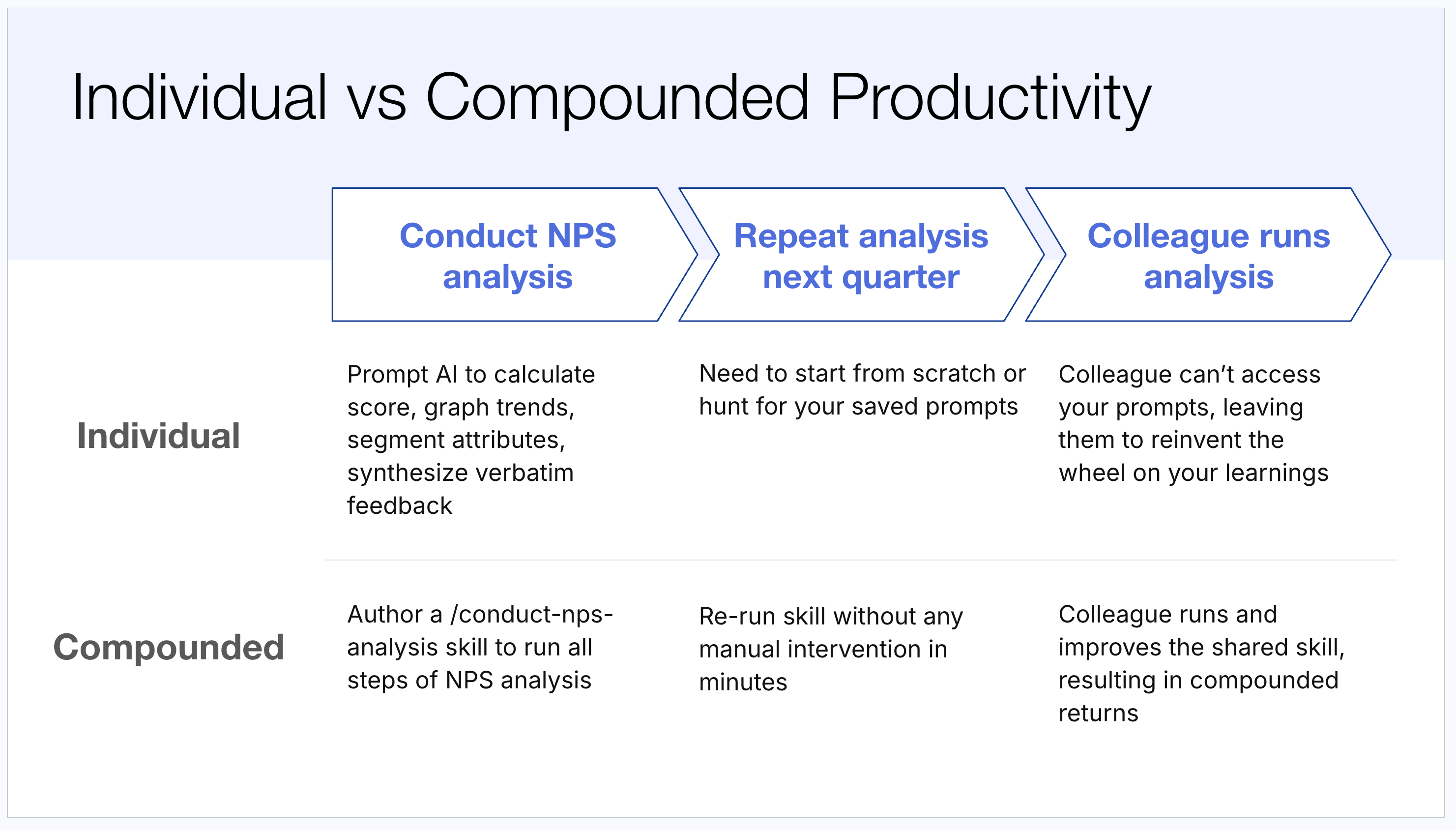
Let me make this concrete with a scenario every product team recognizes: running an NPS analysis.
Here’s how most teams do it today. You open up your favorite AI chatbot, hand it the raw CSV of your NPS responses, and start an interactive session. Calculate the average score. Graph it over time. Segment it by customer type. Then analyze the verbatim feedback: what did the promoters say, what did the detractors say, what themes are emerging. This is already a real improvement over the pre-AI world, where reading through all that verbatim feedback manually took weeks. You’ve compressed weeks into hours.
But watch what happens next. Next quarter, you want to run the analysis again. You’re back in an interactive session, retyping prompts or digging through old chat history to find them, and it takes you another couple of hours. Then a colleague wants to run an NPS analysis. He has no access to your prompts and no visibility into anything you figured out about doing this analysis well. He starts from scratch and repeats those same hours all over again.
Now here’s what a team with a compounding OS does instead. Rather than running an interactive session, they author a /conduct-nps-analysis skill that documents the entire workflow. Next quarter, they rerun the skill with zero manual intervention, and ten minutes later a complete report lands in their lap. At Notejoy, this capability is what let us move from quarterly NPS analysis to fully automated weekly NPS analysis. New responses come in, and every week I get a beautiful report without touching anything.
And when a colleague wants to run an NPS analysis, he finds the shared skill and runs it. Better still, he might improve it, and now everyone benefits from his improvement. That’s the shift from siloed individual productivity to team-wide productivity that gets better every time someone uses it.
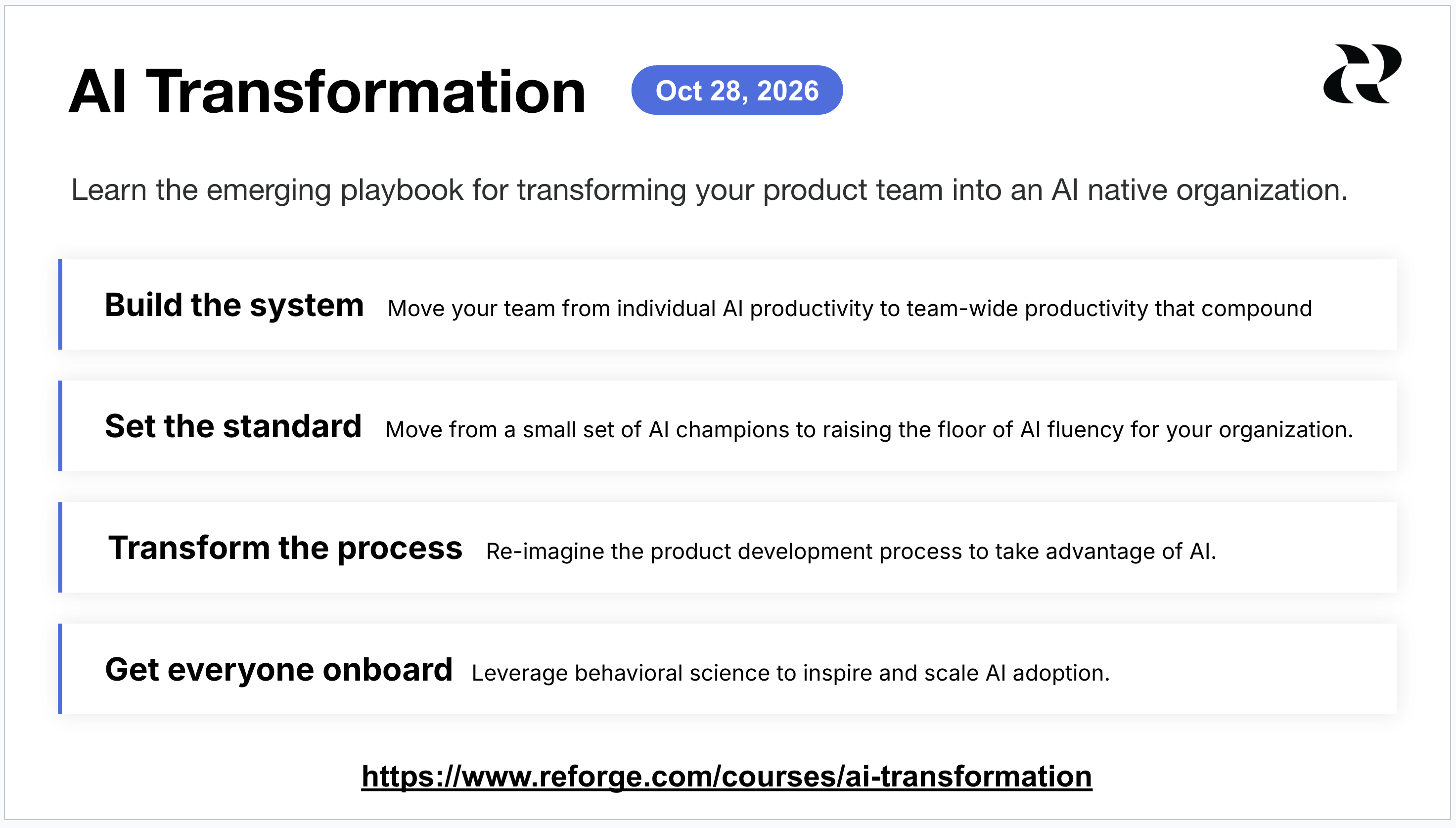
This article is a preview of my new AI Transformation course, designed to help product leaders learn the emerging playbook for transforming their product team into an AI native organization. Join us for the inaugural cohort starting Oct 28, 2026. Learn more.
The Three Steps to Building a Compounding OS
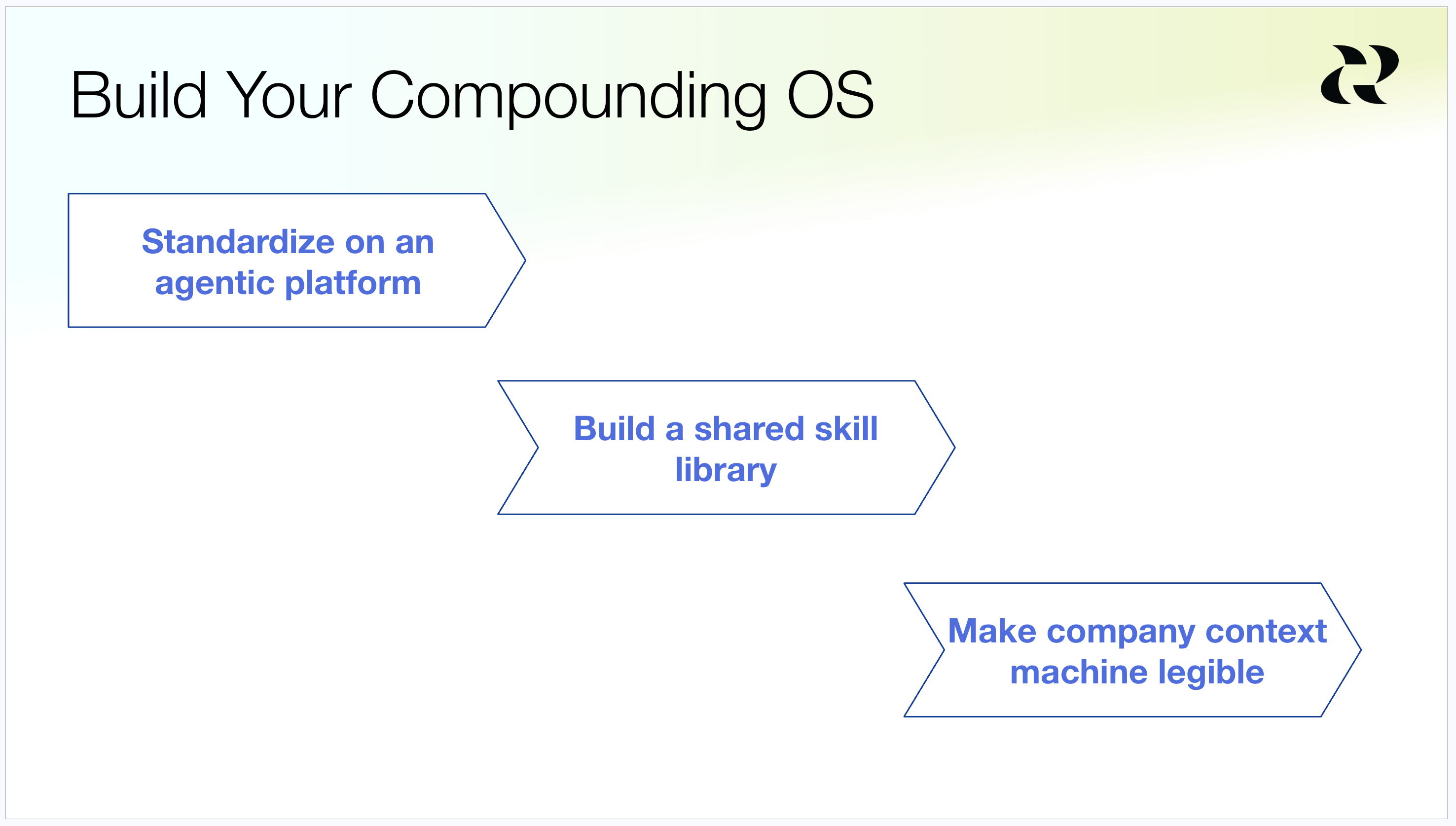
Building a Compounding OS comes down to three key steps:
Standardize on an agentic platform
Build a shared skill library
Make company context machine legible
Let walk through each of them in turn.
Step 1: Standardize on an Agentic Platform
The first move is to get your team off chatbots like Claude, ChatGPT, and Gemini and onto agentic platforms like Claude Code, Claude Cowork, and Codex. There are three reasons agentic platforms unlock so much more value than chatbots.
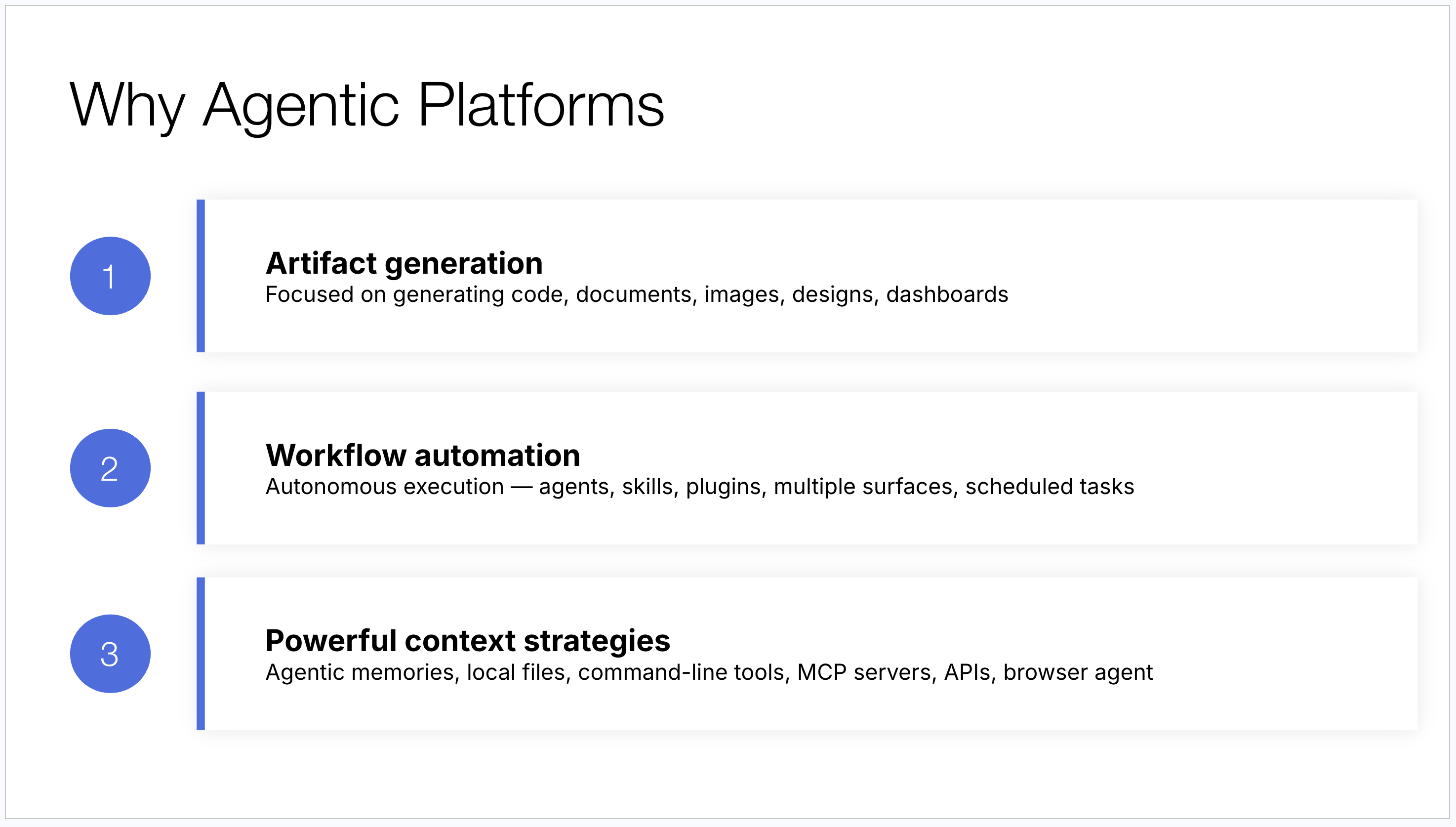
Artifact generation. A chatbot is optimized for responses and answers. An agentic platform is optimized for producing deliverables: code, documents, images, designs, prototypes, dashboards. That focus on generating artifacts is what lets AI do work for you rather than simply answer your questions.
Workflow automation. Agentic platforms give you primitives like agents, skills, plugins, and scheduled tasks that let you automate a task end to end without manual intervention. That’s what takes your AI leverage to the next level.
Powerful context strategies. A workflow is only as good as the information it can access. Agentic platforms offer sophisticated context strategies including agentic memories, local files, command line tools, MCP servers, APIs, and browser agents. They go well beyond anything available in a chatbot.
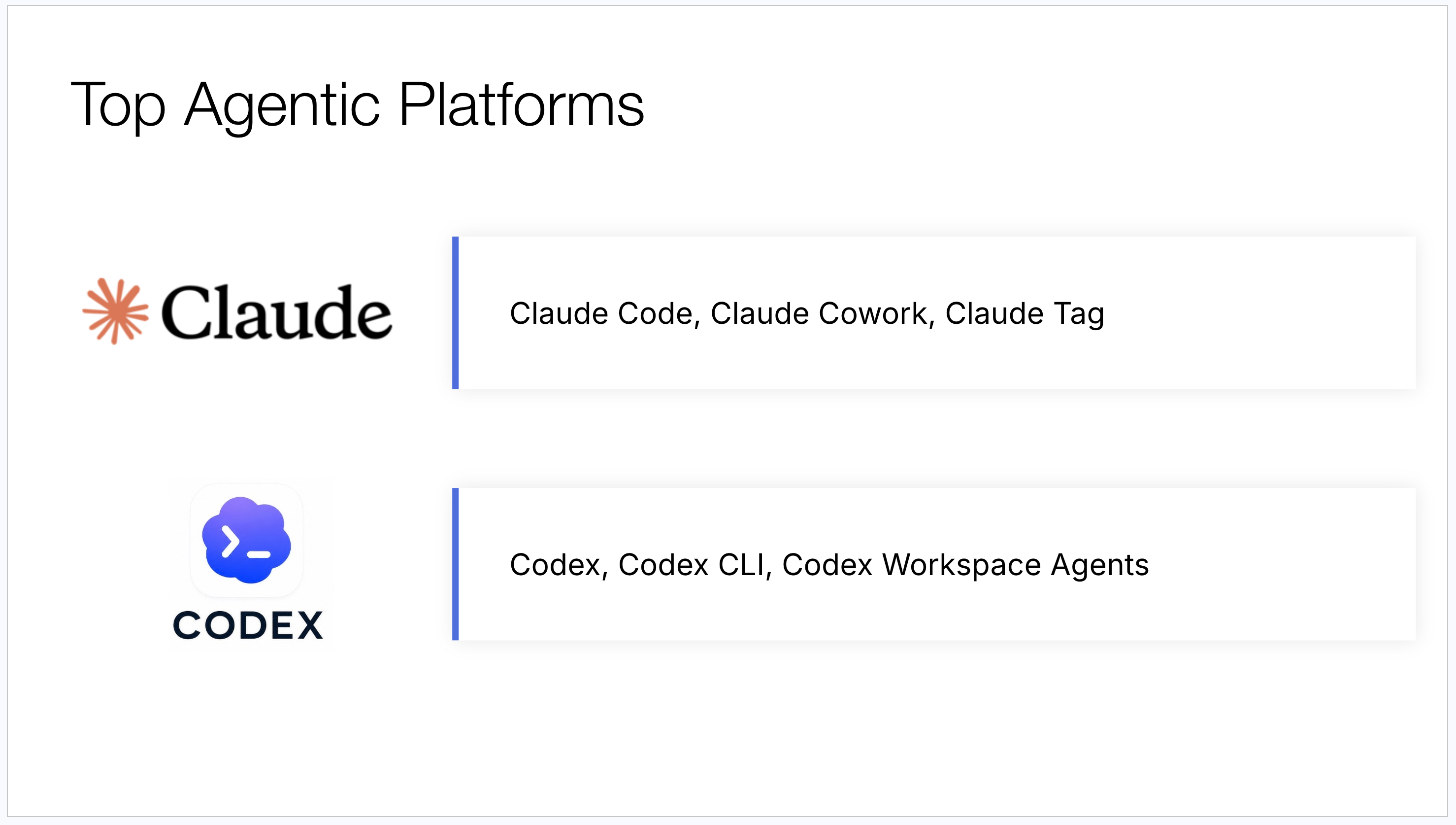
The top two platforms today are the Claude platform and the Codex platform. Claude gives you Claude Code in the terminal and desktop app, Claude Cowork for a friendlier interface, and Claude Tag to bring the platform right into Slack or Microsoft Teams. Codex from OpenAI offers a very similar set: a desktop app, a terminal app, and workspace agents that live in Slack.
People always ask me which one is better. Honestly, whatever I tell you today will be wrong next month, because each platform copies the other’s best features almost immediately. You cannot go wrong with either one.
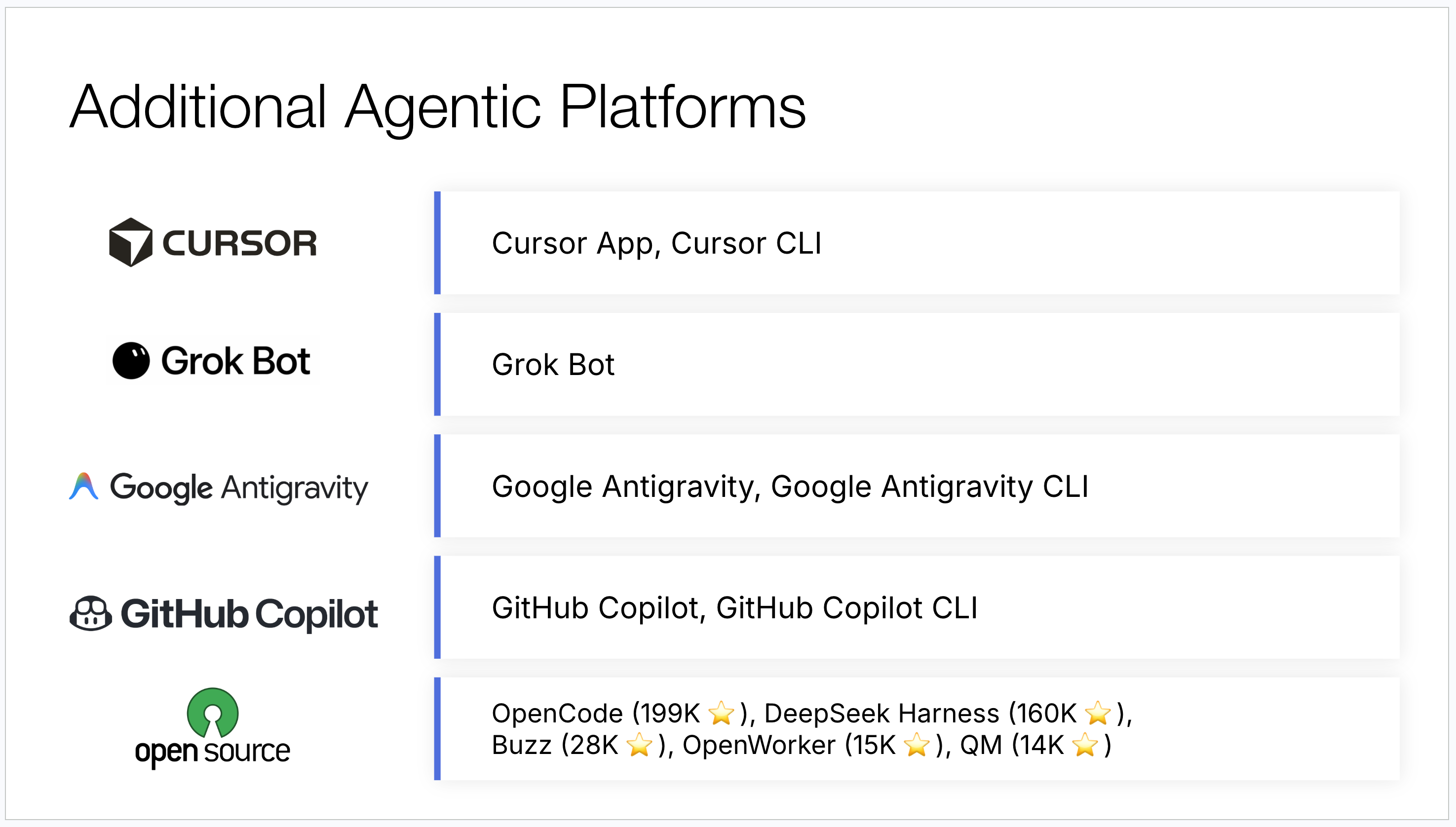
They’re not the only options. Cursor is popular because you can run both Anthropic and OpenAI models inside it. Grok Bot is generating a lot of buzz right now. If you’re locked into the Google or Microsoft ecosystems, Google Antigravity and GitHub Copilot both exist, though I’d caution you that they aren’t nearly as capable as the leaders. And there’s a growing set of open source harnesses like OpenCode, DeepSeek Harness, Buzz, OpenWorker, and QM, whose main appeal is that they let you run any model, including local ones.
Why Standardize at All
Here’s where I get pushback. With this much innovation happening every week, how can you possibly commit to a single platform?
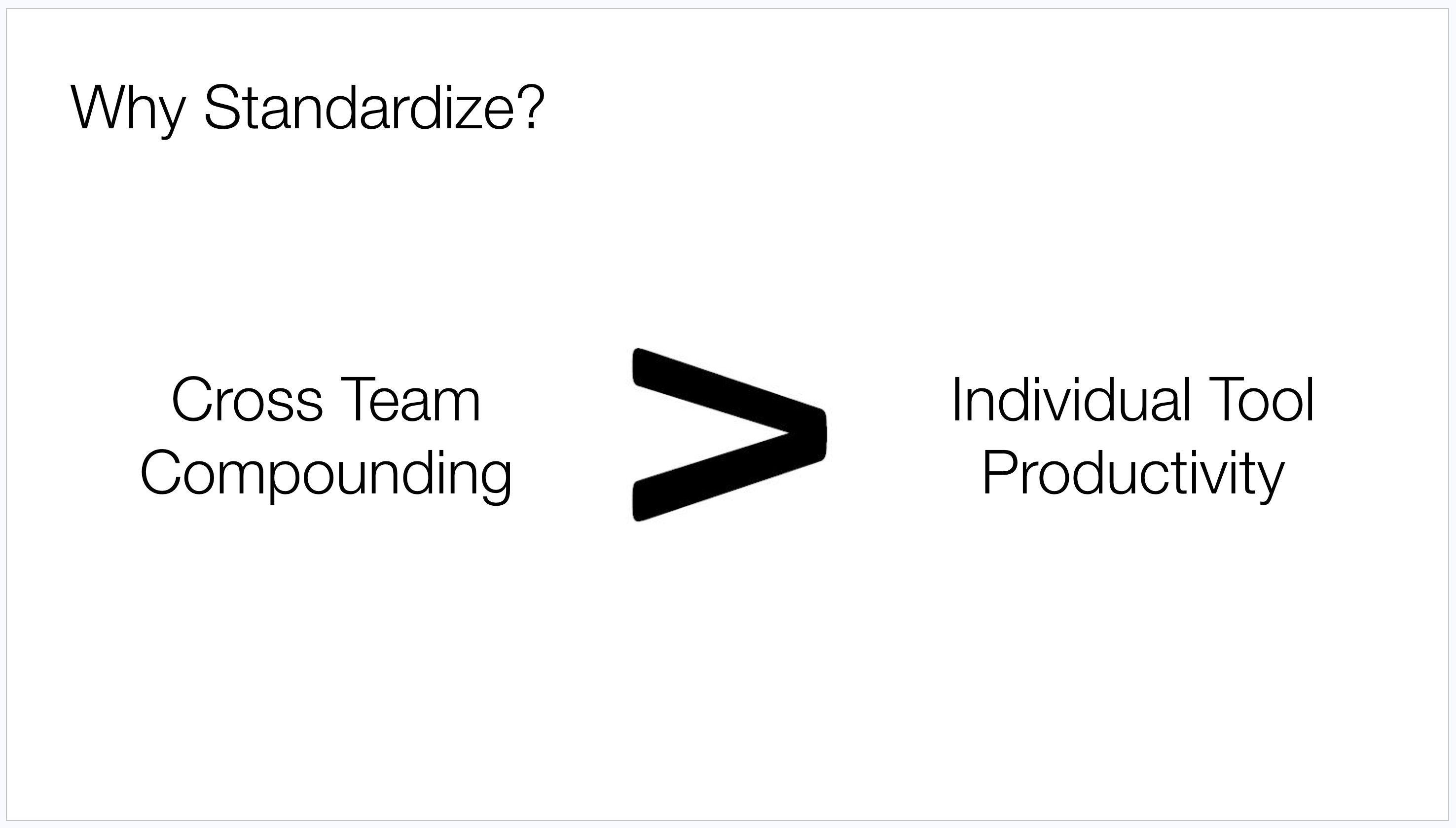
My answer is that committing to a single platform buys you cross-team compounding, which matters far more than any individual tool’s productivity edge. It doesn’t much matter if you’re on Claude and missing out on some Grok Bot capability, because you’re capturing that capability in isolation anyway. Getting your entire team compounding through shared skills and shared artifacts is dramatically higher leverage.
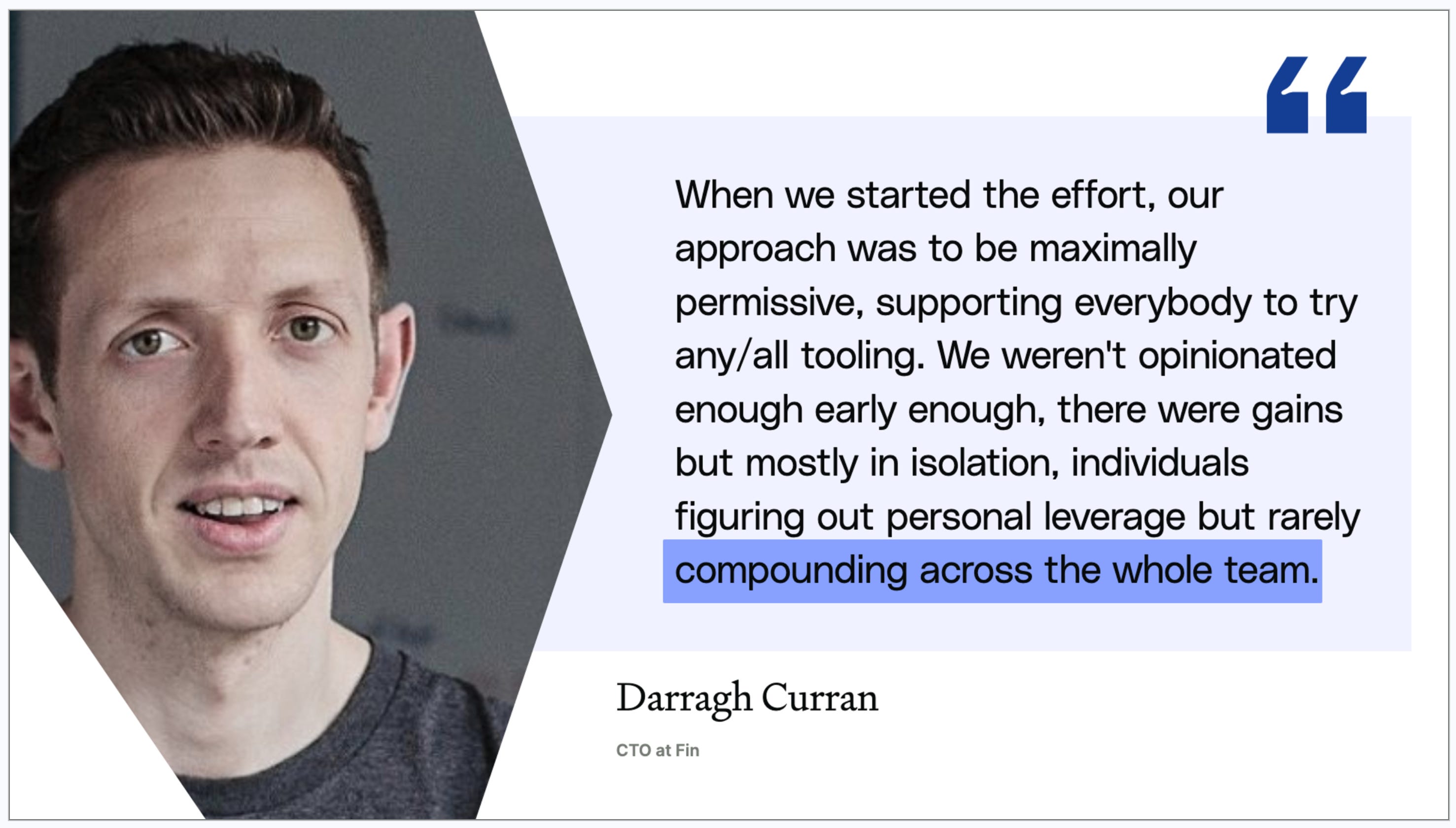
Darragh Curran, CTO at Fin, described exactly this in reflecting on their own journey:
“When we started our effort, our approach was to be maximally permissive, supporting everybody to try any and all tooling. We weren’t opinionated enough early on. There were gains, but mostly in isolation.”
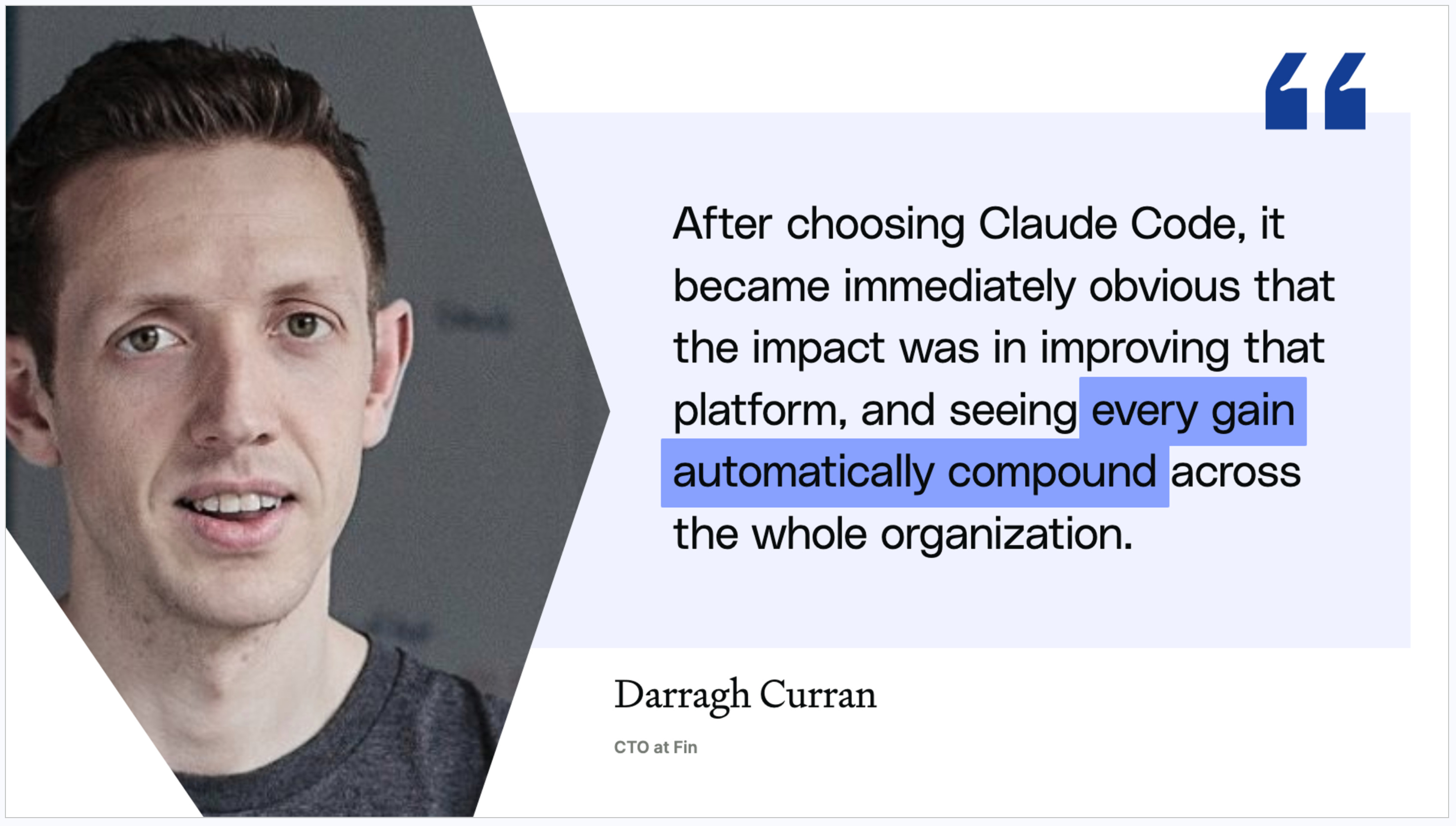
After they standardized on Claude Code, he said it became immediately obvious that the impact was improving that platform and seeing every gain automatically compound across the whole organization.
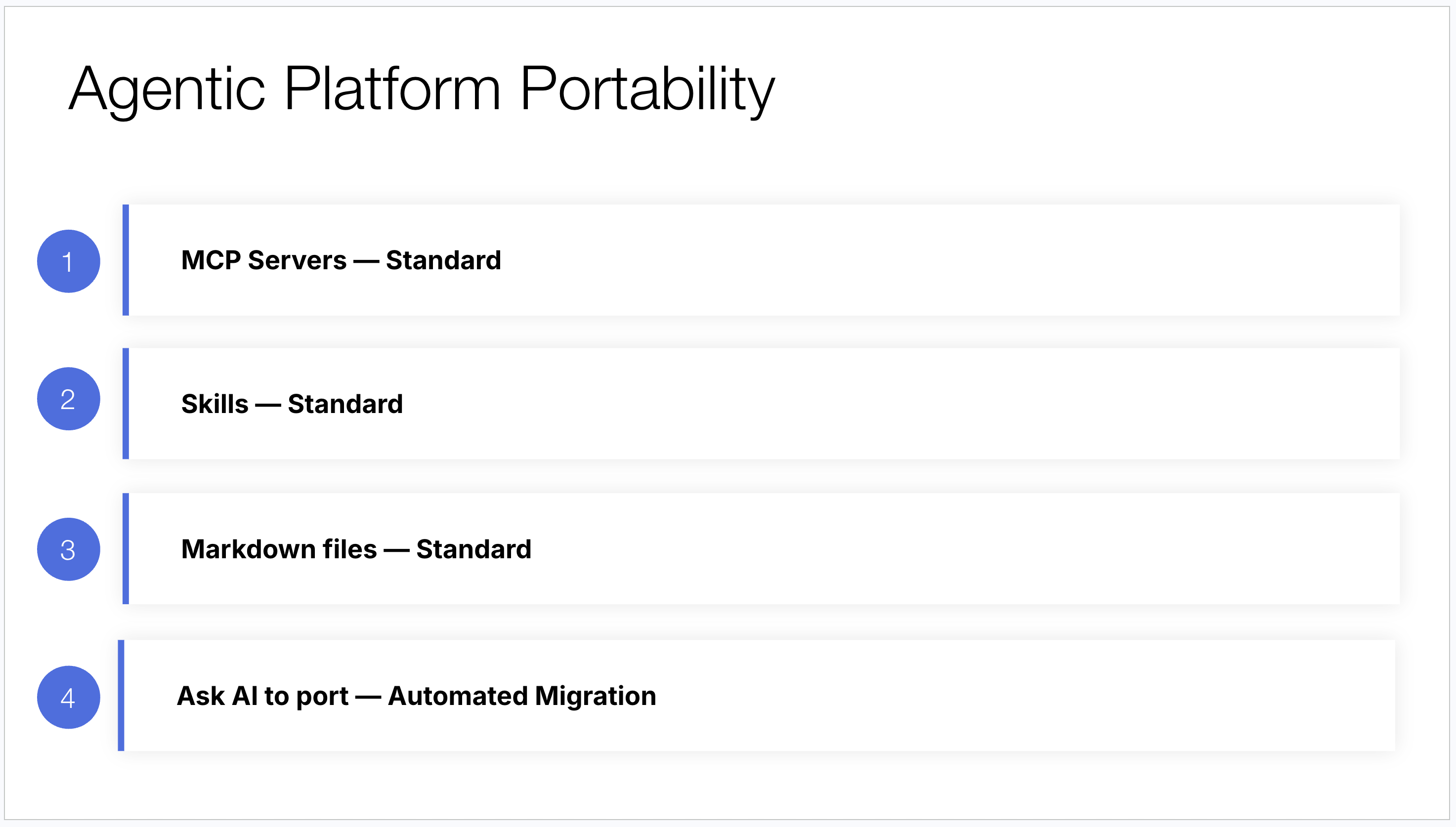
And you shouldn’t fear the commitment, because agentic platforms are remarkably portable. MCP servers are the standard way to connect third party tools and they work across every platform. Skills are converging on an open standard. Markdown files, which is where most of your local context lives, are readable everywhere. The only genuinely platform-specific pieces are a handful of configuration files, and you can literally ask your new platform to port them for you. Tell Codex you have a bunch of Claude projects and ask it to make them Codex compatible. Wait ten minutes. You’re migrated. There’s effectively no lock-in, so pick one and standardize today.
Step 2: Build a Shared Skill Library
A skill is simply a saved, reusable prompt that can be shared, improved, and automated. That definition sounds modest, but skills are the engine of the entire compounding OS, for five reasons:
They reduce repetition. You have a place to save your prompts and rerun them whenever you want, instead of hunting through old sessions.
They share know-how. A skill can be shared across the team, so anyone can take advantage of the prompting you’ve discovered.
They automate workflows. Skills move you from treating AI as a junior assistant to treating it as an independent agent working alongside you.
They compound learnings. I build a /conduct-nps-analysis skill, someone else improves it, and now our learnings genuinely accumulate rather than evaporating.
They encode taste. So much of what makes our work proprietary is the judgment we apply to it. When you describe in detail what good work looks like inside a skill, you apply that taste consistently to everything your team produces, which raises the floor on quality across the org.
The Skill Library I’ve Built as a PM
I’ve long defined the role of the product manager as driving the vision, strategy, design, and execution for their product. For three of those four pillars, I now have skills doing a meaningful share of the work.
On strategy, I’ve found AI isn’t good at generating strategy but is excellent at market research and at critiquing strategy. At Notejoy we’ve taken a low cost provider approach, something like the Walmart of team notes apps, which means I need to monitor competitor pricing closely. So I built /update-competitor-pricing, which runs weekly and reports what every competitor charges and what changed. I also built /generate-competitor-teardown, so when someone mentions a competitor I’ve never heard of, I type the command, give it a name and domain, and fifteen minutes later I have a report on their differentiation and traction. And I built /critique-product-strategy, which I’ll come back to shortly.
On design, which I mean broadly to include all the user research that informs our product decisions, I have /conduct-nps-analysis, /summarize-customer-interviews, /generate-interview-script, and /answer-data-curiosity.
On execution, I’ve focused on automating away the low value work that eats my time: /draft-meeting-agenda, /save-meeting-transcript, and /generate-release-notes.
When to Build a Skill
Not every task deserves a skill. I run every candidate through two questions.
First, is it worth building? That comes down to whether the task is repeated or time consuming, and whether AI has a genuine advantage. Sometimes AI does the work faster or more comprehensively than I can. Other times AI isn’t better at all, it just saves me time. My meeting agendas aren’t better than the ones I’d write myself, but I’m not writing them anymore, and that’s worth plenty.
Second, is it possible to build? Three things determine that. Can AI acquire the appropriate context, meaning can the platform actually get the data the task requires? Can you break the task into discrete steps? And does the task require limited human judgment? Heavy judgment tasks resist automation. Light judgment tasks are where skills shine.
How to Build a Skill
Building a skill is a three step process: detail the steps of the process, decide your context strategy, and shape the output. Strip any workflow down to its bones and it’s just taking some input, manipulating it, and shaping the output.
Detail the steps. The thing most people don’t expect is how non-technical this is. My /answer-data-curiosity skill starts with a plain language description: analyze MySQL database data to answer specific data questions the user submits, construct the appropriate query, execute it, and return the results in a clear format. Then I list the workflow steps. Analyze the database to understand available tables and columns, then summarize the schema concisely. Tell the user you’re ready and prompt them for questions. For each question, construct the appropriate MySQL query and execute it. Create an HTML report with the original question, the query used, and a neatly formatted table of results, save it, and open it in the default browser.
Notice how high level that is. I said “add a visualization” without specifying bar chart, line chart, or pie chart, because AI picks the right one based on the data and the question. I said nothing about how to write the SQL. Over time I might get more prescriptive, telling it to use a line graph for time series questions. But I don’t have to. As long as you can articulate the discrete steps, AI handles the technical work.
Decide your context strategy. This is the step that most determines whether your skill works. There are five ways to get context to your agent, and they run from most reliable to least.
Local files are the best option. For NPS analysis, I hand Claude Code a CSV file and it works flawlessly.
Command line tools come next, because agentic platforms can do anything your computer can do. My
/summarize-customer-interviewsskill uses the Whisper CLI to transcribe interview recordings before analyzing them.MCP servers connect AI to third party tools, and there are now thousands of them spanning Google Docs, Microsoft Office, Slack, Notion, and nearly everything else.
APIs work because an agentic platform can write code on your behalf. Tell it to use a given API and it reads the docs and writes the integration without you thinking about it. My
/conduct-nps-analysisskill uses the Gamma API to generate the final presentation.Browser agents are the fallback when data lives nowhere else. It’s slow and less reliable, but it works. My
/update-competitor-pricingskill visits every competitor’s pricing page in a browser, extracts the numbers, and stores them in a table.
The only reason to reach for a less reliable strategy is that the data isn’t available through a more reliable one.
Shape the output. Three strategies consistently raise output quality. Templates, where you write a detailed template.md specifying exactly what you want. My interview summary template dictates that every summary opens with customer pain points, details their current workflows, and calls out feature requests in its own section. Best practices, where you give AI the frameworks you want it to apply. My /generate-interview-script skill is loaded with a summary of The Mom Test by Rob Fitzpatrick, and because it’s preloaded with those principles it writes genuinely good non-leading questions. And inspiration, where you supply examples to work from. My /generate-release-notes skill has twenty five release notes I wrote by hand, and it uses them as reference for everything it produces.
Much of skill building is trying these strategies and seeing which one gets you to your quality bar.
Sharing Skills Across the Team
There are two technical approaches to sharing. Project embedded skills are the simpler starting point. Agentic platforms organize work into projects, and when you’re a small team you typically have one project for the whole product team. Mine was called Product Hub in the early days. Store that project in a git repo, have everyone sync it, and skills are automatically available with no install step.
As your team grows and splits into multiple projects, research separate from product, desktop separate from mobile, you’ll want skills available everywhere. That’s what a plugin marketplace does. Every major platform supports publishing skills that become available across all projects, and you can bundle them by function into separate plugins for engineering, product, and sales. It’s more setup work up front, but it’s where you end up.
One practical note: browsing skills inside these platforms is genuinely bad. Typing a slash and scrolling a list doesn’t scale. The best practice at larger organizations is to build an internal skills browser, a simple website listing every skill with its description, usage instructions, and popularity. It dramatically improves discovery.
The Failure Mode to Watch For
The failure mode I see everywhere as teams scale this is skill proliferation. You type slash looking for the interview summary skill and six results come back. Molly forked her own because she wanted different formatting. Someone else forked it because the original only handled transcripts and they needed it to handle video files. Now nobody knows which one to use and half of them are broken.
Three rules of hygiene solve this:
Skills have discrete owners. Label the owner in the skill metadata, and make that person responsible for the skill continuing to work. I’ve seen far too many organizations where people try to use a skill and it simply doesn’t run anymore.
One skill per workflow. Instead of five one-off forks, invest in one robust skill that handles both transcripts and video files.
Functional experts become skill managers. The research team owns the research skills. The design team owns the design and prototyping skills. The data team owns the data skills. The people who held the real expertise before AI should own the automated workflows now.
Step 3: Make Company Context Machine Legible
Six months ago we were all talking about prompt engineering. The idea was that a more detailed, more specific prompt produces better output. So instead of “critique my product strategy,” you’d write a full page: critique the attached product strategy document, and in addition to a general review, specifically evaluate whether the target audience segments are narrowly defined, whether the pain and value proposition are supported by customer research, whether success criteria are clearly defined, and whether the competitive positioning is sound. That page-long prompt was considered best practice.
What we’ve since realized is that context engineering works better. You can go back to the simple prompt, “critique the attached product strategy,” as long as you give AI the right context: strategic best practices synthesized from your own product review transcripts, a summary of the strategic frameworks your organization holds in high regard, and previous strategy critiques written by hand. Those context sources make the response far more accurate and far more tailored to your organization, while letting the prompt get simpler.
The prerequisite for context engineering is making your context machine legible, meaning AI can actually reach it. Three domains of context matter most: company knowledge, design, and data.
Company Knowledge
The goal is to connect your institutional knowledge to AI so its output reflects your actual strategy, customers, and research rather than generic industry patterns. MCP servers now exist for essentially every knowledge repository your company uses: messaging in Slack and Microsoft Teams, email in Gmail and Outlook, calendars, documents in Google Drive, Notion, Confluence, and Office, meetings in Granola, Gong, and Zoom, tasks in Linear, Asana, and Jira, and CRM in Salesforce and HubSpot. I’m a big fan of recording every meeting in Granola, because having those transcripts available when AI drafts a deliverable for me changes the quality substantially.
From a compounding OS perspective, the point is that this gets configured once at the organization level. A new person joins, opens the platform, and a dozen connectors are already wired up.
One thing worth flagging: the emerging best practice here has shifted quickly. Six months ago most company brains were a folder of hundreds of local markdown files. That’s becoming an anti-pattern, because local files are nearly impossible to collaborate on and require something like GitHub to share. Teams are moving toward MCP servers pointed at their knowledge management system of record. If you’re a Notion shop, Notion is your source of truth. If you’re on Google Docs or Office, that’s your source of truth. At Notejoy we built an MCP server for Notejoy itself, so that’s mine. The work then becomes organizing that information so it’s legible to machines and not just to human readers.
Design
Everyone doing AI prototyping runs into the same wall. The first prototype you generate looks nothing like your product, and you burn hours pushing it toward your typography, colors, and components.
The fix is a design system that AI can access: your design tokens for colors, themes, and typography, your components like buttons, nav bars, and cards, your icons, your layouts and grids, and your usage guidelines and anti-patterns. Once that’s connected, every prototype is on brand by default.
There’s a second benefit that’s newer and more interesting. A design system can dramatically accelerate engineering handoff, but only if you build it the right way. Most teams start with a Figma design library, since their design team already maintains one, and connect it through the Figma MCP server. That gets you visual consistency immediately.
But the elite teams have moved their design system out of Figma and into code, with real front-end components documented in something like Storybook and used in production. Now your prototypes are built from your actual production components, which means prototype code ports directly into your codebase. That’s the dual benefit: consistent prototypes and a faster path from prototype to shipped product.
Data
AI is remarkable at data analysis. I regularly ask a natural language question like “what percentage of my users have profile images,” and AI writes the SQL, executes it against the database, and hands me a chart. But you don’t get that for free. Three steps make it work.
First, connect your data source through an MCP server. These now exist for relational databases like MySQL, which is what we use at Notejoy, alternative databases like MongoDB, and warehouses like Snowflake and BigQuery. Read replicas are supported too, which is usually the right call.
Second, build a library of example queries. When you first connect a database, AI will write plausible SQL that’s subtly wrong. The fastest fix is pairs of natural language questions and vetted SQL. Your data team is already writing these queries, so ask them to document the question alongside the query. A hundred pairs meaningfully improves accuracy.
Third, add a semantic layer. This just means documenting your tables and columns with business definitions, entity relationships, and annotations explaining what each field actually means. Databases are full of esoteric column names that carry no meaning on their own. One sentence of description per column makes AI dramatically more effective.
Get Started Today
We’ve covered a lot of ground, and where you start depends on where you are.
If you’re early in the journey, the list is straightforward. Install Claude Code or Codex and see what an agentic platform actually feels like. Build your first skill tonight. Connect one knowledge repository through an MCP server. Publish a design system. Create your first data analysis skill.
If you’re further along, the next tier is about compounding. Publish a skills marketplace so skills reach the whole organization. Improve an existing skill someone else wrote. Assign owners to your skills before proliferation sets in. Move your design system from Figma into code. Add a semantic layer to your data analysis skill.
Any one of these makes your team measurably better tomorrow. The compounding starts the moment the second person uses something the first person built.
I hope this gives you a concrete picture of what a compounding OS looks like and where to make your first investment in building one.


